Configurators & Design Automation for AECO
Enterprise Platform, Engineered and Delivered
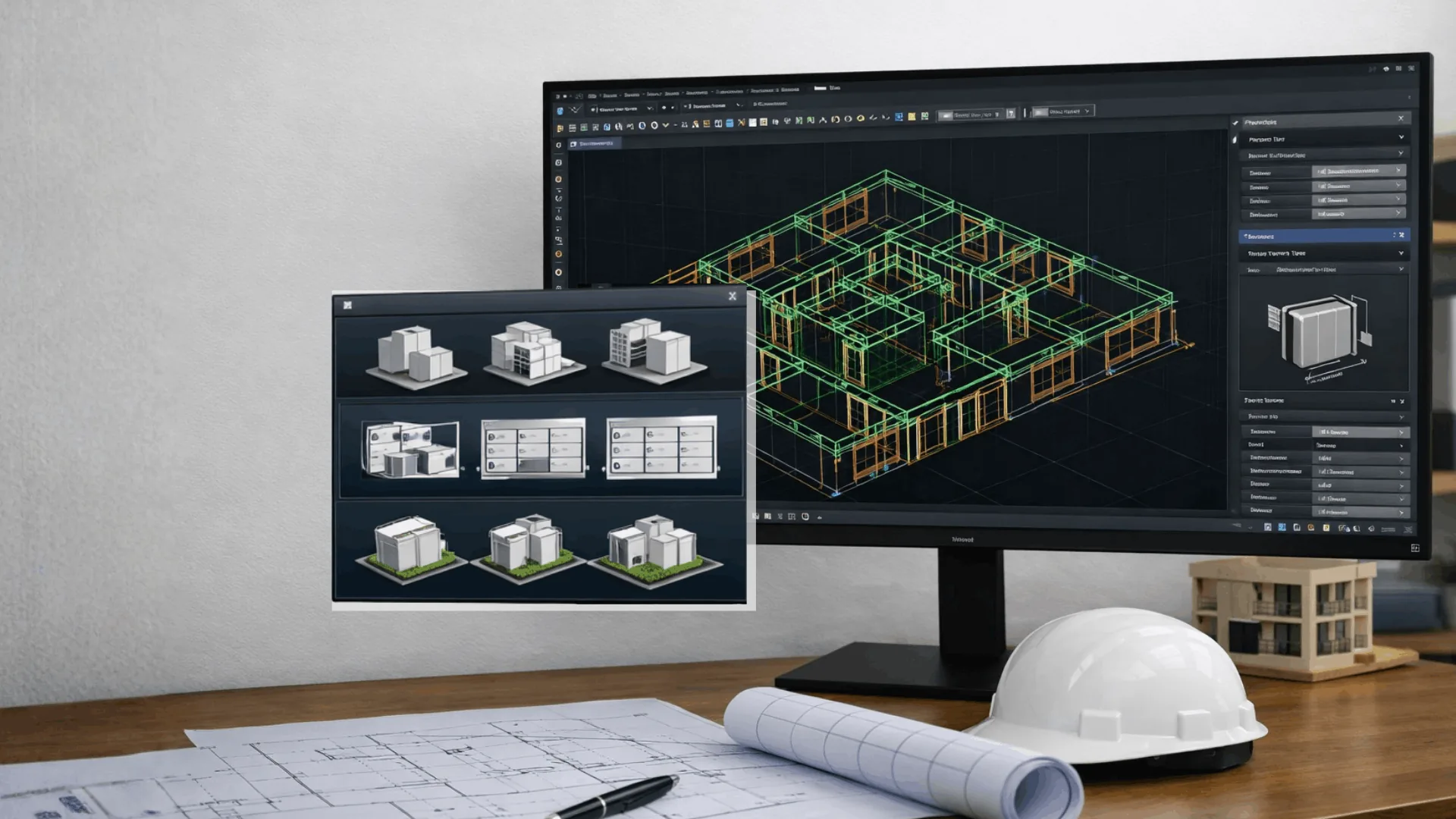
We build web/mobile/native configurators and automation pipelines. It generates BIM-ready outputs, Revit families, drawing packs, and BOM/BOQs. These outputs are integrated with Autodesk Construction Cloud and enterprise systems. We deliver end-to-end using Autodesk Platform Services (APS) and modern AI-driven workflows.

Overview
The AECO delivery environments require execution of multiple standardized tasks which include various layout designs and fixed assembly components and the need for documentation and the process of measurement extraction. The manual performance of these tasks results in degraded project performance because it creates operational inefficiencies and introduces variable work standards across different teams and vendor networks.
We build configurators and design automation that convert inputs into standardized, project-ready outputs, and scales execution. Our solution is helpful for-
- Building product manufacturers and suppliers
- EPCs and design consultants
- BIM Owners managing vendor ecosystems
- AECO software/product teams
Outcomes
- Faster turnaround for standard variants
- Standardized BIM outputs aligned to company-specific standards
- Reduced manual effort for repetitive patterns/cases
- Reliable BOM/BOQ outputs including estimation and procurement
- Governed documents with versioned libraries, approvals and audit reports
- Scalable delivery by applying the same rule set across projects and teams
CCTech Deliverables
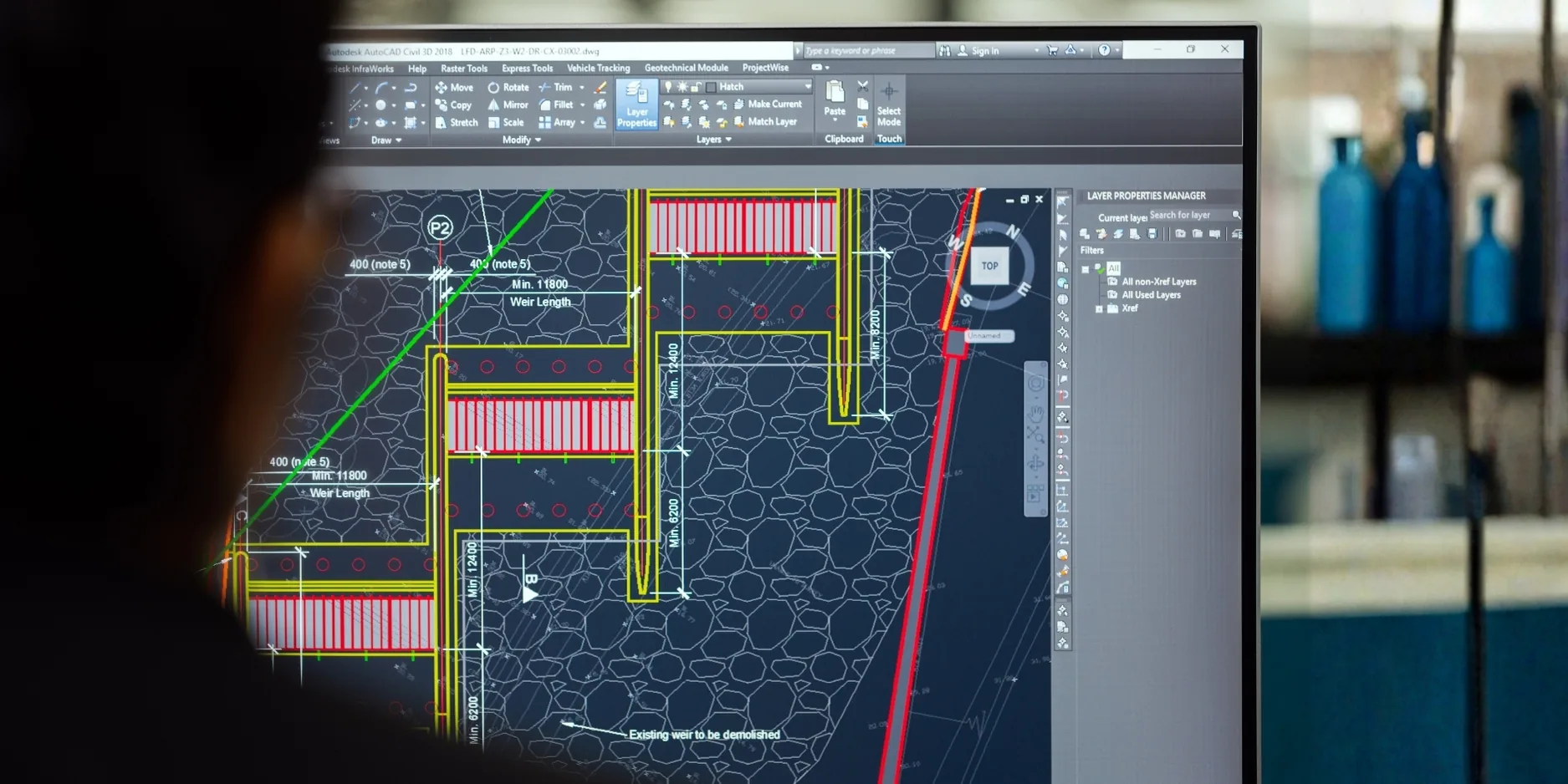
- Web configurator for guided selection, preview, downloads
- Mobile-friendly configurator for field review and approvals
- Revit add-in / desktop plugin for in-authoring configuration workflows
- Rule libraries provide options, constraints, sizing logic, standards mapping
- It handles severity levels, thresholds, exception, and approvals
- Enables version control for catalogue releases
- Creates and standardizes Revit families, templates, and BIM libraries
- Sets parameter standards, naming conventions, metadata mapping
- Enables migration of existing libraries and consolidation into publish-ready catalogues
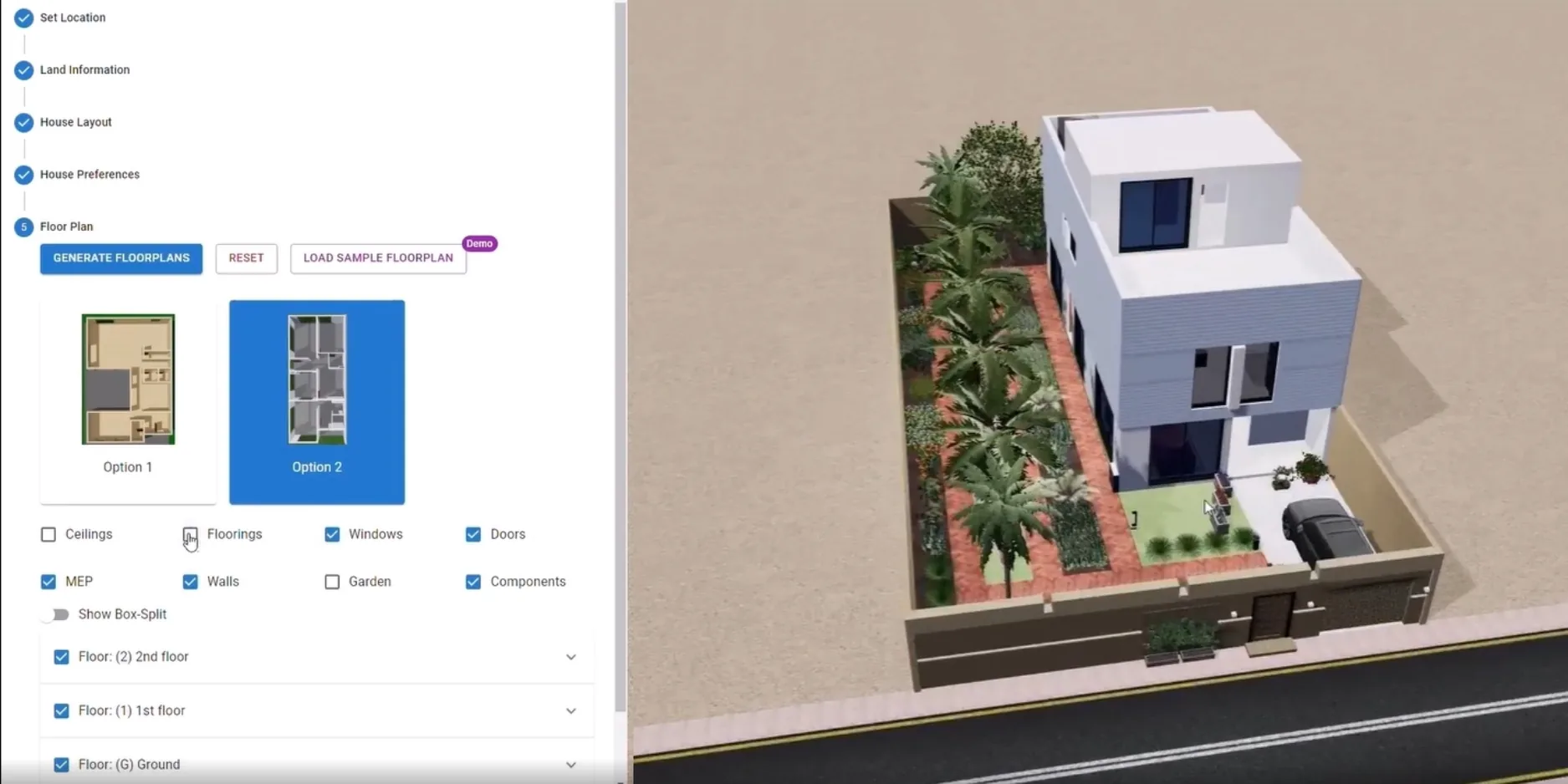
- Automates batch processing, drawing creation, data extraction.
- Maintains orchestration and monitors audit logs.
- Aligns cloud/hybrid deployment to enterprise policies.
- Integrates ACC Docs/Issues for controlled publish, review, and traceability
- Integrates ERP/cost systems for item master and cost
- Creates dashboards for team collaboration
Modern Technologies
Agentic AI: Automates workflow to enable orchestration and approvals.
MCP-Based Tool: Standardizes connectors for Revit, ACC, ERP, and document systems.
AI-Assisted Data Extraction: Extracts structured specification from documents and submittals.
Autodesk Tools & Technologies
- Authoring & Coordination: Autodesk Revit, AutoCAD, Navisworks
- Delivery & Governance: Autodesk Construction Cloud (Docs/Issues)
- Autodesk Platform Services (APS)
Delivery Approach
| Phase 1: Feasibility & Blueprint | Phase 2: MVP | Phase 3: Production Hardening | Phase 4: Scale |
|---|---|---|---|
| Defines configurable scope, rules, outputs, acceptance criteria | Build configurator UI and core rules for one catalogue | Governance, RBAC, versioning, monitoring, audit logs | Expands use cases and add integrations |
| Confirm standards and templates | Implement automation pipeline for BIM outputs and exports | Reliability, scaling, performance optimization | Enables analytics, continuous improvement, managed updates |
| Define integrations and deployment model | Pilot with real data and calibrate | Publish workflow |
End-to-End Workflow
Configure → Validate → Generate → Check → Publish → Integrate → Scale
- Configure: Users select options via web/mobile UI or a Revit add-in
- Validate: Rules enforce allowable combinations, constraints, and standards
- Generate: Automation creates/updates Revit families (RFA), models (RVT), and exports
- Check: Quality gates produce pass/fail reports and exception lists
- Publish: Outputs are versioned and published to libraries and/or ACC Docs
- Integrate: BOM/BOQ and metadata can flow into costing/ERP/procurement systems
- Scale: Governance, analytics, and managed updates expand coverage over time
Use Cases
- Generate rule-based layout variants and export outputs for downstream view
- Produce area schedules, efficiency metrics, and comparison reports
- Configure unit types, dimension constraints, stacking rules
- Generate unit mix options, area schedules, drawing outputs
- Template-driven routing patterns and standard assemblies
- Generate model elements, schedules, and BOMs.
- Configure product options
- Auto-generate standardized Revit families
- Auto-generate and publish submission packages to ACC
- Validates names, controls release workflows and generate compliance reports